
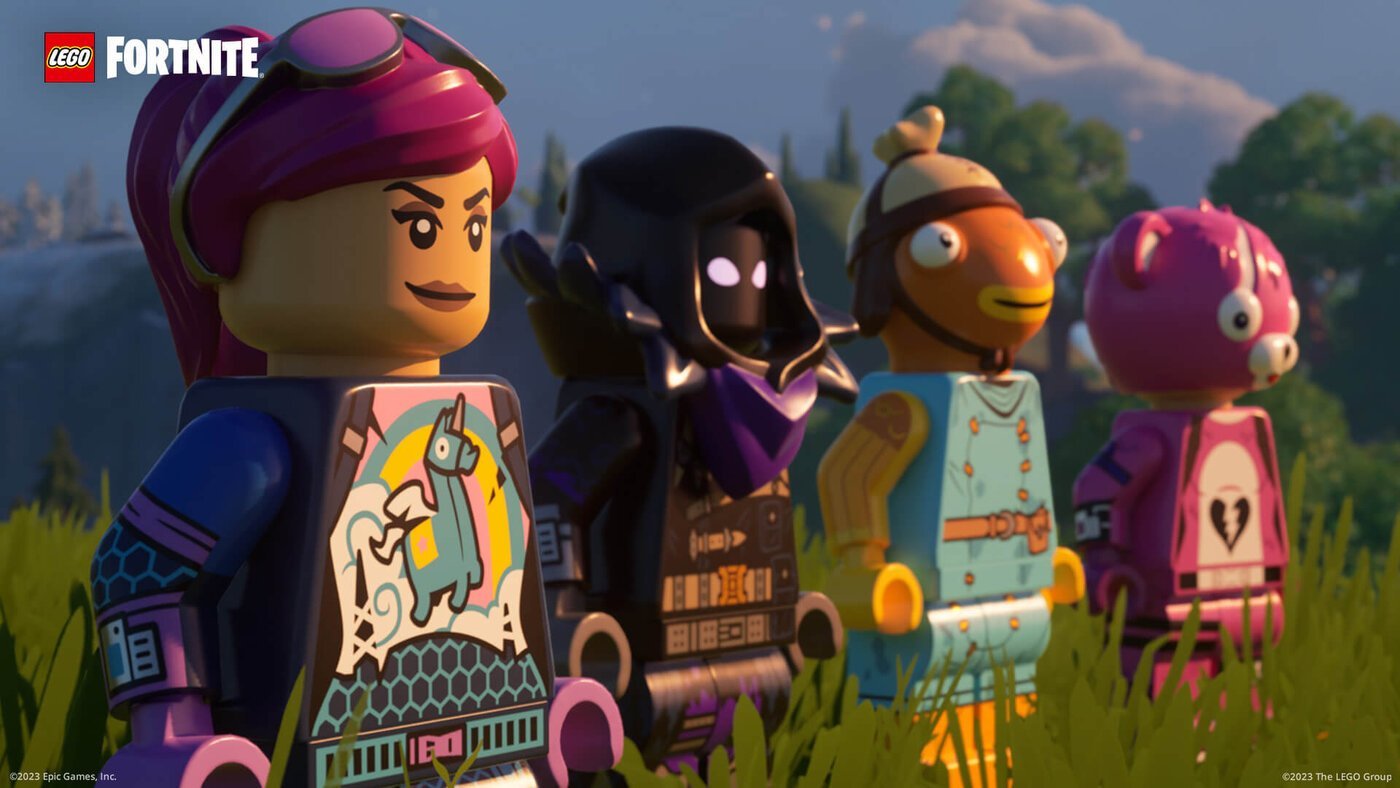
Epic Games is providing a free skin to players who link their Epic and LEGO accounts to celebrate the arrival of LEGO Fortnite.
How to claim the complimentary LEGO outfit in Fortnite
The “Eloá Explorer” skin can be unlocked by any player as long as the correct steps are followed. This character can be used in battle royale mode as well as LEGO mode, with a unique appearance in the latter. The unlocking process is quick and easy. See the steps below.
- Login to your Epic account by following this link.
- Navigate to the “Applications and Accounts” section in your Account.
- Click Connect under the “Lego Account” option in Step 3.
- Create an account or sign in on the LEGO website.
- Step 5 involves viewing the connection page linking the profiles.
Fortnite LEGO
LEGO Fortnite is now accessible, providing players with a fresh experience in the Epic Games title through a vast open world spanning 95 square kilometers, significantly larger than the battle royale island. The mode integrates survival and creation elements for an immersive gameplay experience.
In LEGO Fortnite, players can construct shelters, gather resources, enlist allies, explore caves, and engage in different activities while encountering numerous foes. The game mode offers solo or multiplayer adventures with popular characters from Epic Games. Watch the official trailer for this exciting crossover below.

